Top 5 Features to Look for in an Invoicing Software
Picking invoicing software isn’t just a matter of convenience anymore. With the increasing adoption of e-invoicing systems globally, businesses are rethinking their finance systems to ensure compliance and efficiency. If you’re a finance leader, an accountant, or an SME owner, you’ve likely faced the challenges of manual invoicing, limited visibility into accounts receivable and payable, or adapting to local e-invoicing regulations.
So, what should you actually be looking for in invoicing software? Here are five features that should be non-negotiable, along with actionable steps to help guide your decision-making process.
1. ERP Integration Compatibility
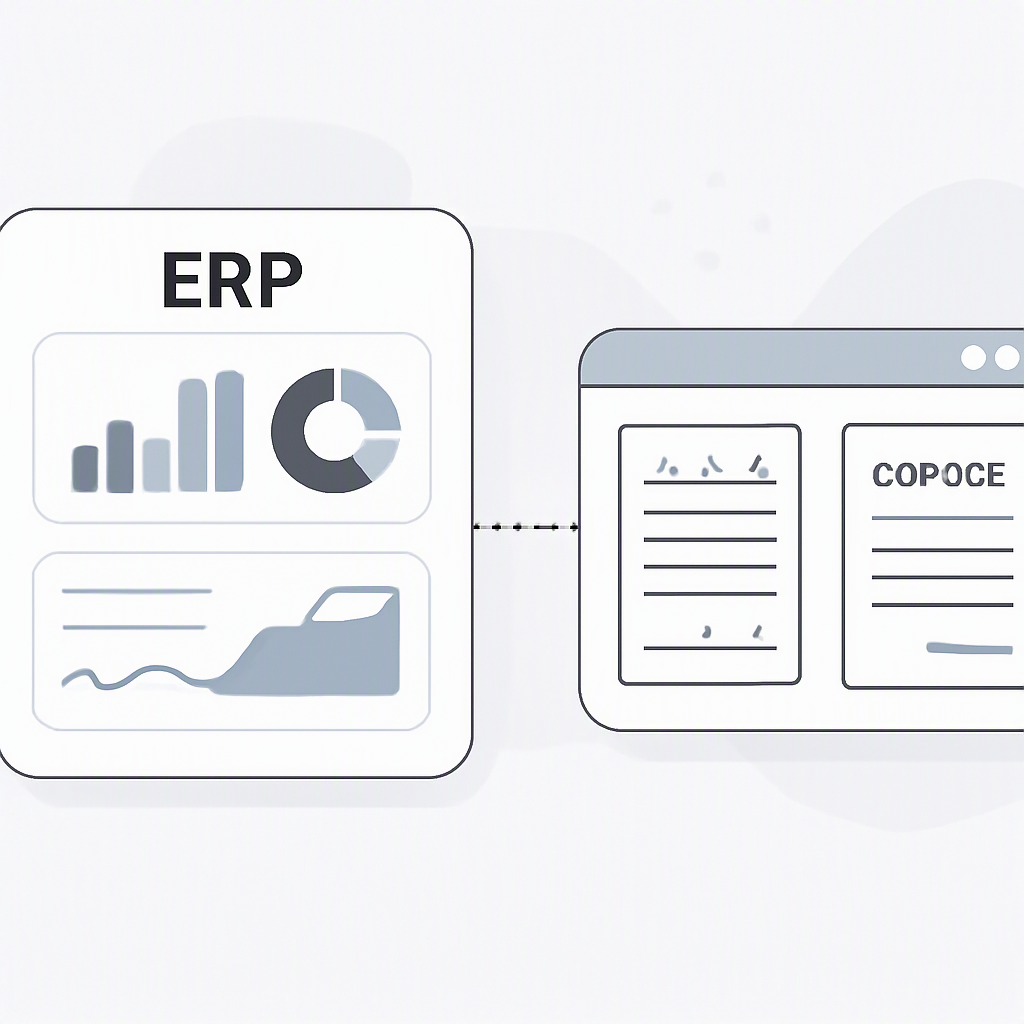
If your business already uses an ERP system, you don’t want to replace it just to meet e-invoice compliance requirements. The right invoicing software should integrate seamlessly with your existing ERP. This means importing invoice data without manual intervention, mapping fields correctly, and ensuring everything works without creating a mess.
Why ERP Integration Matters
ERP systems are the backbone of many businesses, serving as the central hub for managing operations, including finance, inventory, and supply chain. Without proper integration, you risk duplicating efforts, increasing errors, and losing valuable time correcting discrepancies in your invoicing process.
Actionable Steps
- Assess Current ERP Compatibility: Identify the ERP system you’re currently using (e.g., SAP, Oracle, Microsoft Dynamics) and confirm whether the invoicing software supports direct integration with it.
- Check for Field Mapping Capabilities: Ensure the invoicing system allows you to map invoice fields (e.g., tax codes, payment terms) to your ERP without manual intervention.
- Test the Integration: Conduct a trial run to see how well the invoicing software syncs with your ERP. Look for issues like missing data or formatting errors.
- Ask About Scalability: If your business plans to grow, confirm whether the invoicing software can handle higher transaction volumes while integrating smoothly with your ERP.
Comparison Table: ERP Integration Features
| Feature | Description | Benefits |
|---|---|---|
| Field Mapping | Matches ERP fields with invoicing software fields | Reduces manual errors |
| Real-Time Sync | Updates ERP and invoicing software simultaneously | Saves time and enhances accuracy |
| Scalability | Handles growing transaction volumes | Prepares your system for future growth |
| Customization Options | Adapts to unique ERP configurations | Ensures compatibility with existing tools |
2. Country-Specific Compliance Tools
E-invoicing isn’t a one-size-fits-all solution. Different countries have their own rules about what needs to be included in an invoice, such as mandatory fields like tax registration numbers or specific formats required by accredited service providers. Compliance can be complex, and errors can lead to rejections or delays.
Why Compliance Tools Are Essential
Governments around the world are increasingly enforcing e-invoicing regulations to improve tax collection and reduce fraud. For instance, Italy mandates FatturaPA invoices, while Saudi Arabia requires XML-based invoices for VAT compliance. Non-compliance can result in fines, delays, or even business disruptions.
Actionable Steps
- Understand Local Regulations: Research the specific invoicing requirements in the countries where your business operates.
- Look for Validation Tools: Ensure the software provides validation features to check for mandatory fields like tax IDs, invoice formats, and accreditation.
- Opt for Regular Updates: Choose software that updates automatically to reflect changes in local regulations.
- Verify Audit Trails: Make sure the software keeps a detailed record of submitted invoices to support audits and compliance checks.
Comparison Table: Compliance Features
| Feature | Description | Benefits |
|---|---|---|
| Country-Specific Validation | Flags missing fields or incorrect formats | Avoids rejected invoices and penalties |
| Automatic Updates | Keeps software aligned with regulatory changes | Ensures ongoing compliance |
| Audit Trails | Records submission history | Simplifies regulatory audits |
| Accredited Provider Support | Integrates with government-approved platforms | Guarantees compliance with local laws |
3. Dual Language Support
In regions where business is conducted in multiple languages, such as Arabic and English, your invoicing software should support both languages to avoid miscommunication and ensure clarity for all parties involved. Whether your client prefers invoices in one language or the other, you shouldn’t have to use a separate tool—or worse, translate manually.
Why Bilingual Support Matters
Language barriers can lead to misunderstandings and errors. For businesses working internationally or in multicultural regions, offering invoices in the preferred language of the client ensures professionalism and builds trust.
Actionable Steps
- Identify Language Needs: Determine the languages your clients and vendors typically use.
- Check for Automatic Translation: Look for invoicing software with built-in dual-language capabilities to reduce manual effort.
- Ensure Format Consistency: Verify that invoices in both languages maintain consistent formatting and comply with local regulations.
4. Exception Handling
No system is perfect, and that’s why exception handling matters. Whether it’s a mismatch between invoice fields or a provider’s technical error, your invoicing software should help you troubleshoot and fix issues quickly. This is especially important in regions with strict compliance deadlines, where mistakes can lead to delays or penalties.
Actionable Steps
- Ask About Error Alerts: Check if the software provides real-time alerts for potential issues.
- Understand Troubleshooting Features: Ensure the system offers step-by-step guidance to resolve common errors.
- Review Customer Support: A responsive support team can make all the difference when facing technical difficulties.
5. Actionable Visibility into AR/AP
Understanding your cash flow is critical, especially for SMEs operating in competitive markets. Invoicing software should provide clear, actionable insights into accounts receivable (AR) and accounts payable (AP). No one wants to comb through endless spreadsheets just to figure out who owes them money or which invoices are overdue.
Actionable Steps
- Evaluate Reporting Features: Look for software that provides easy-to-read dashboards and customizable reports for AR and AP tracking.
- Set Alerts for Overdue Payments: Use the software to send automated reminders for overdue invoices.
- Analyze Payment Trends: Track payment patterns over time to identify and address issues with recurring late payers.
Common Mistakes When Choosing Invoicing Software
- Ignoring ERP Compatibility: If your software doesn’t integrate with your ERP, you’re setting yourself up for manual work—and mistakes.
- Skipping Compliance Checks: Don’t assume your software will automatically meet local regulations. Double-check for country-specific validation features.
- Overlooking Language Support: If you work with clients who speak different languages, you’ll need bilingual invoices. Don’t make them translate your documents for you.
- Underestimating Exception Handling: Just because a system looks good in a demo doesn’t mean it can handle real-world hiccups. Ask about error resolution workflows.
- Neglecting Reporting Features: Without clear AR/AP insights, you’re flying blind. Make sure you can track payments and overdue invoices easily.
FAQ
Q: What’s the difference between e-invoicing and traditional invoicing? A: E-invoicing involves creating invoices in a compliant electronic format and submitting them to accredited service providers for validation. Traditional invoicing relies on manual processes or basic software that doesn’t meet compliance requirements.
Q: Can I use my current ERP for e-invoicing? A: Yes, as long as it’s integrated with a compliant e-invoicing platform. You may need to ensure that your invoice data fields are mapped correctly to meet local requirements.
Q: What happens if my invoice is rejected by an accredited provider? A: You’ll need to resolve the issue—usually a formatting or compliance error—and resubmit the invoice. Software with exception handling features can help you fix these problems quickly.
Q: Is bilingual support really necessary? A: If your business deals with clients or providers who speak different languages, yes. It ensures clarity and professionalism, and avoids potential misunderstandings.
Q: How do I know if my business is ready for e-invoicing? A: Start with a readiness checklist. Identify your current invoicing software, assess its compatibility with e-invoicing requirements, and plan for provider onboarding and testing.
If you're dealing with manual invoicing or struggling with compliance, consider exploring invoicing software that meets these criteria to streamline your operations and ensure compliance.